
Why School Network Infrastructure Needs a Fresh look in 2026
Digital learning is transforming classrooms around the world.
In Singapore, school networks are under constant pressure as learning management systems (LMS), online assessment, cloud collaboration tools, and 1:1 device programmes operate simultaneously throughout the school day.
This shift has been building steadily.
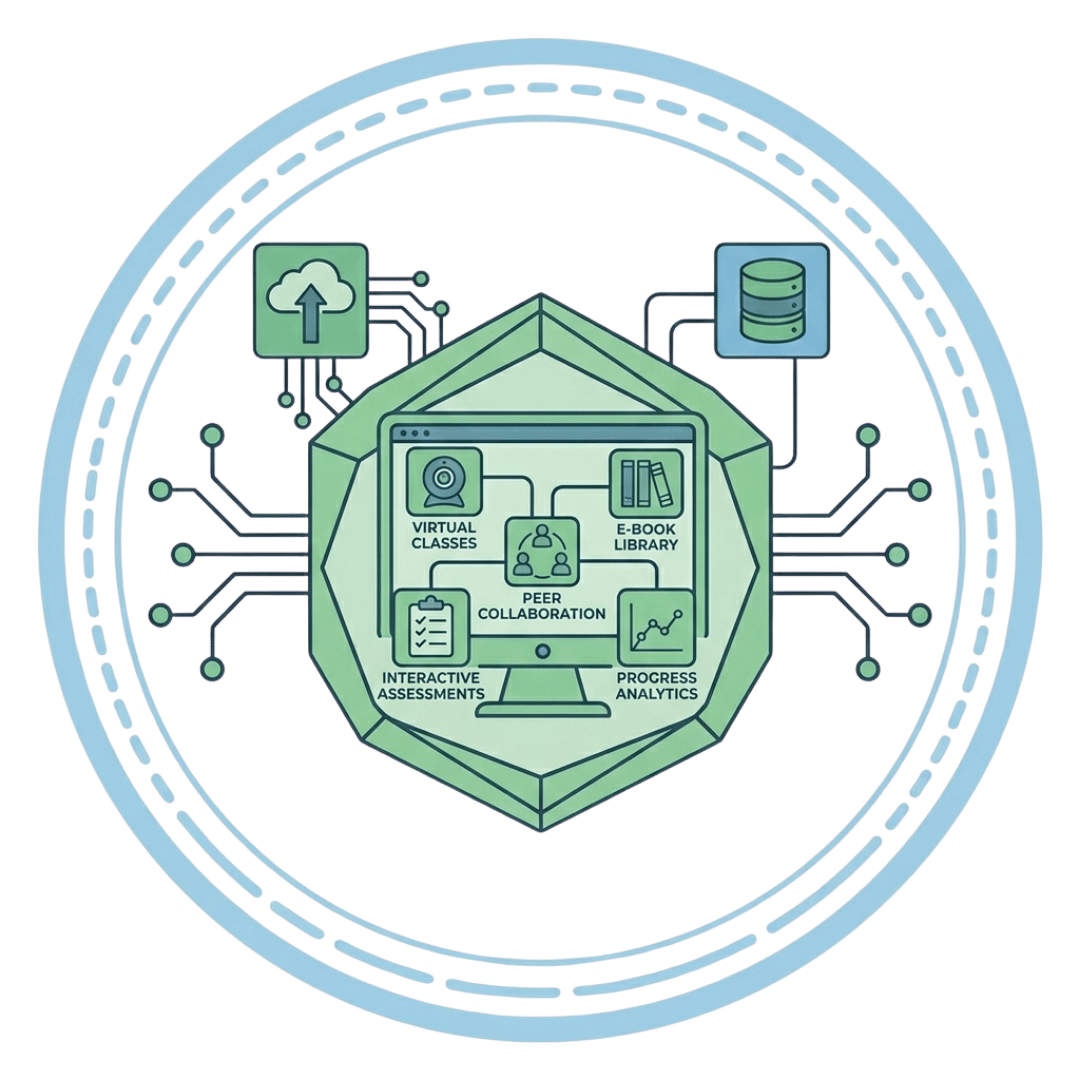
According to Wesco, 88% of schools now run 1:1 computing programmes, giving every student a school-issued device and making school Wi-Fi and campus network capacity one of the most stressed systems on campus. What was once occasional use for special projects is now the default way lessons, grading, and communication happen. (Wesco, 2025)
However, many schools are finding that their current education network infrastructure was never designed to carry this level of demand.
Ageing switches, under-provisioned Wi-Fi, and single points of failure that once went unnoticed are now surfacing as network bottlenecks that directly disrupt teaching and learning.
Without proactive network capacity planning and infrastructure upgrades, schools risk:
- Interrupted lessons and failed online assessments
- Frustrated teachers who avoid digital tools altogether
- Rising IT support costs from reactive, last-minute fixes
- Erosion of parent and staff confidence in the school’s digital learning strategy
So, can your school network actually handle today’s demands?
At LGA, we collaborate closely with top educational institutions to improve school connectivity, assisting IT and facilities teams in transitioning from reactive troubleshooting to resilient network infrastructure designed for long-term, high-density digital learning.
Understanding where the strain is coming from is the first step towards building a resilient school network that supports uninterrupted teaching, seamless digital learning, and future growth.
4 Signs Your School Network May Be Struggling
Dramatic outages are rarely the first sign of network issues. Instead, network problems often develop gradually as digital adoption surpasses the capacity of the underlying infrastructure, manifesting as minor, recurrent annoyances that staff and students gradually learn to overcome.
Below are four of the most common signs that a school network is starting to buckle under everyday use.
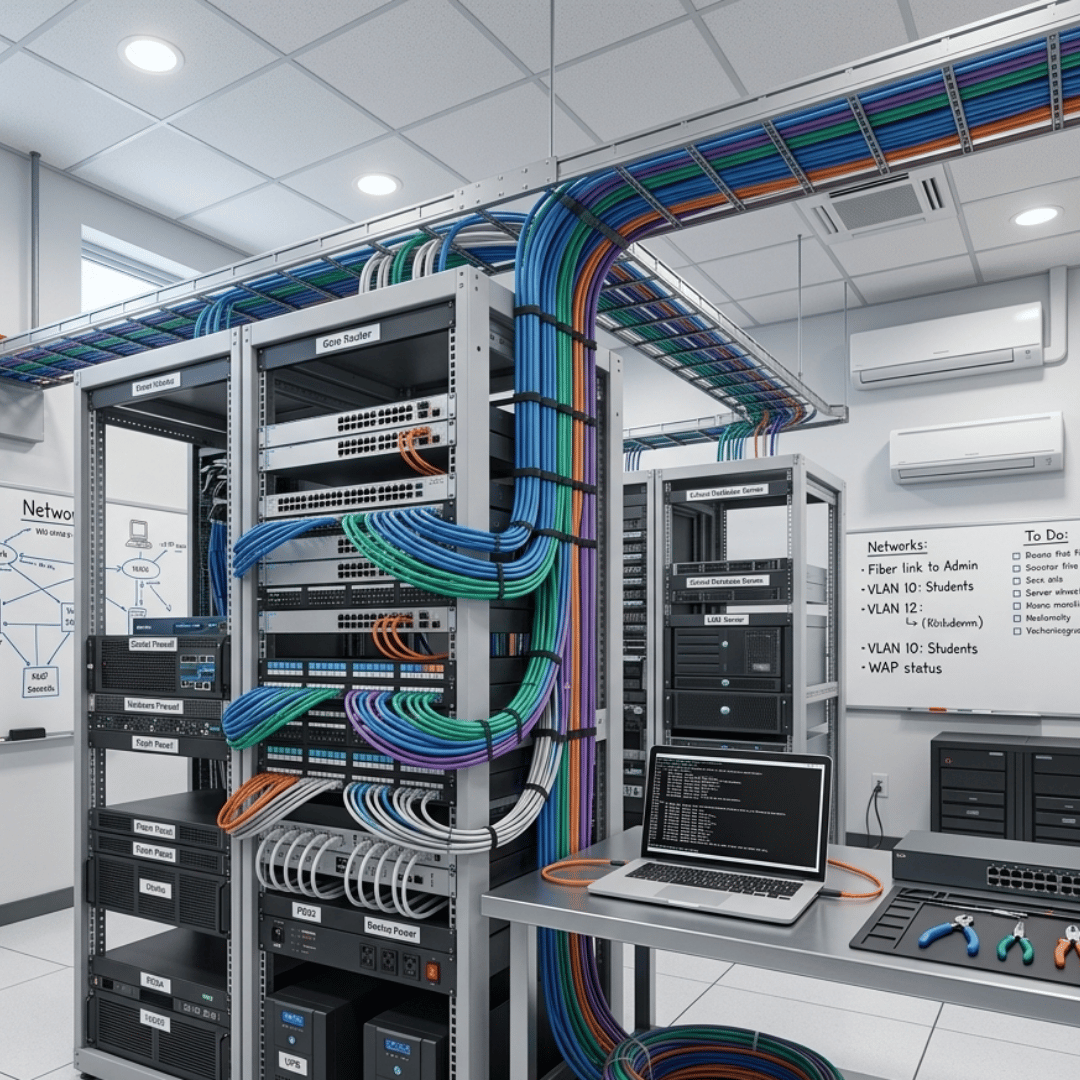
1. Slow-Loading Lessons and LMS Pages During Peak Hours
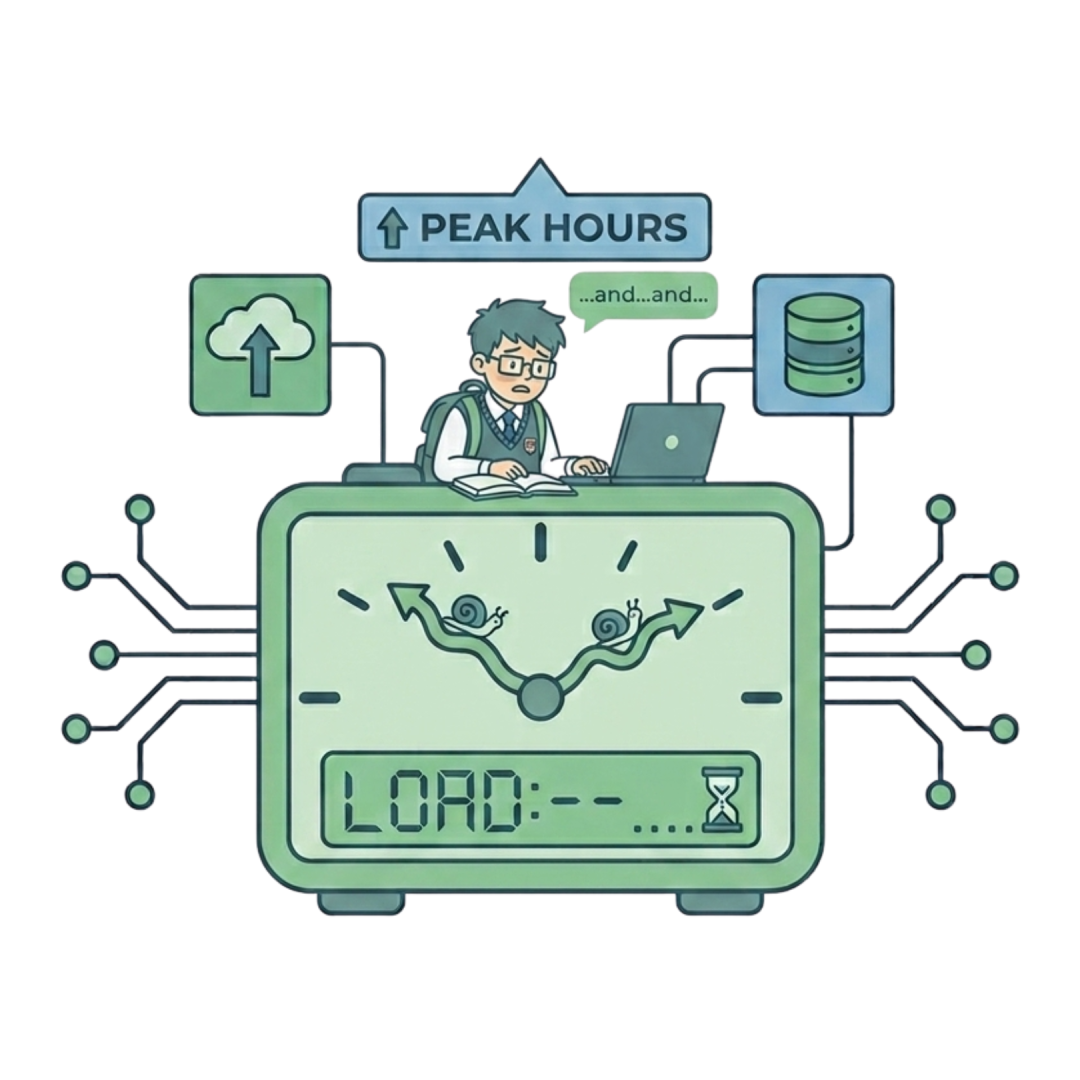
If videos and LMS pages routinely stall at predictable moments such as first period, or during a scheduled assessment – that’s rarely a coincidence.
According to Swirsky, the average number of connected devices per student has more than doubled, from 1.1 to 2.3 in just five years, and networks that aren’t sized for this typically experience performance issues first during peak hours. (Swirsky, 2026),
Common issues include:
- Pages or videos that buffer only when many classrooms are online at once
- Lessons that run smoothly in the morning but slow down by mid-afternoon
- Cloud-based tools that lag specifically during whole-school or whole-grade activities
Network Insight: A slowdown that repeats at the same time each day is a clear sign of capacity constraints rather than a one-off glitch.
2. Inconsistent Wi-Fi Coverage Across Campus
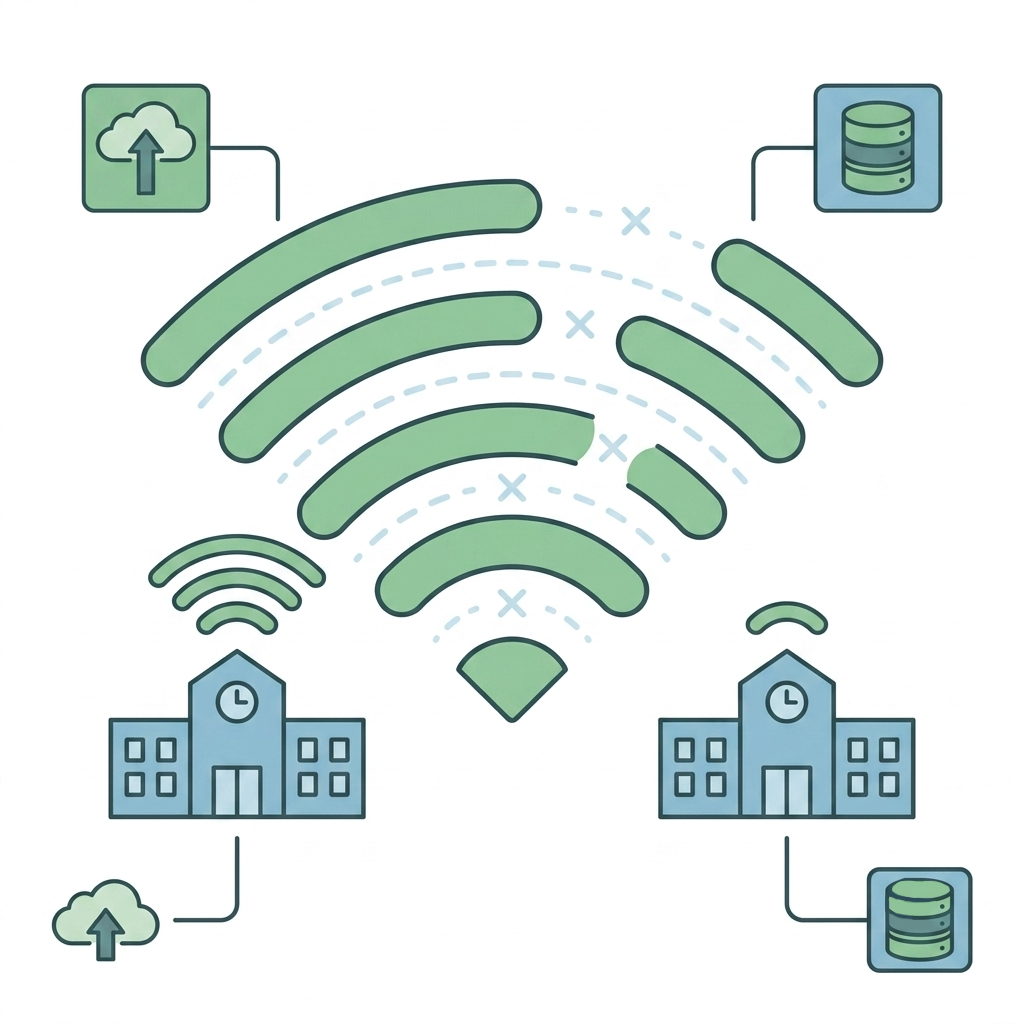
A connection that’s reliable in the staff room but weak in classrooms or the school hall usually points to an access point coverage issue, not a broadband one.
Globally, more than 37% of schools still lack reliable high-speed internet connectivity (Business Research Insights, 2026), even where broadband is technically available.
Common issues include:
- Dead zones in specific classrooms, stairwells, or outdoor areas
- Wi-Fi that degrades as more devices join a single access point
- Coverage that was adequate at rollout but has not scaled with new device programmes
Network Insight: Coverage gaps are easy to underestimate because they are often inconsistent and location-specific.
3. Assessment and Class Disruption
Dropped connections during lessons or online assessments are often among the most visible network issues for teachers, students, and school administrators.
These interruptions can have serious academic repercussions, unlike regular buffering.
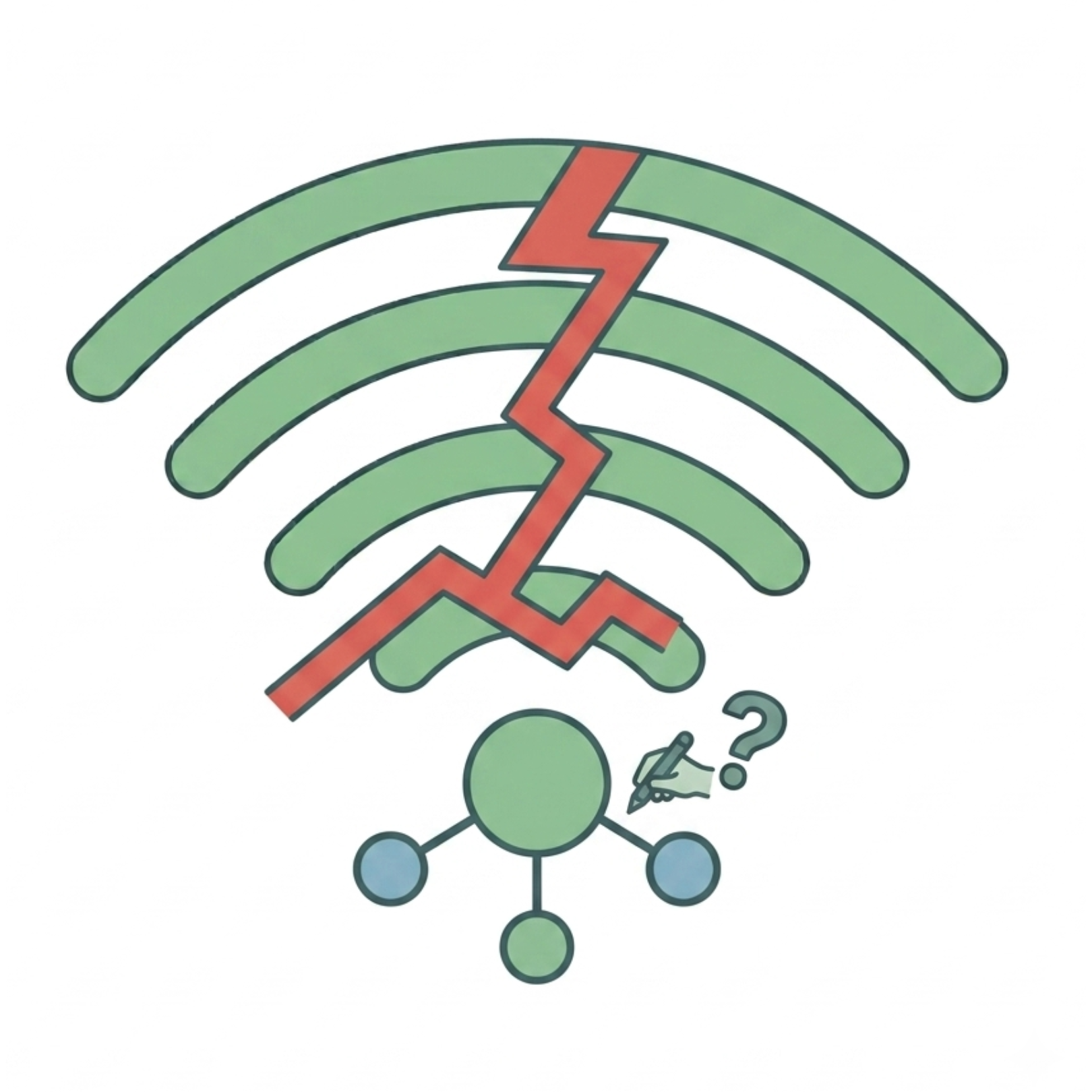
Common issues include:
- Students disconnected mid-assessment, requiring retakes
- Video lessons that freeze or drop during whole-class instruction
- Disputed results and lost trust in digital assessment tools
Network Insight: A single dropped test may be an isolated incident. However, recurring disruptions across multiple assessments usually indicate an underlying infrastructure issue that should be addressed.
4. Rising IT Support Tickets After Every Rollout
If every new tool or device rollout triggers a wave of support tickets, the issue usually isn’t the tool – it’s that the network lacks the capacity to absorb new demand.
Common issues include:
- Support tickets that spike predictably after each new tool or device rollout

- The same handful of issues such as Wi-Fi drops and slow loading, repeatedly resurfacing.
- IT staff spending more time responding to recurring issues than focusing on proactive planning
Network Insight: Fixing the underlying network often eliminates recurring issues and reduces support tickets more effectively than adding additional troubleshooting resources.

Why Network Demand Is Increasing (EdTech Masterplan)
This is not just a case of “more devices creating more network traffic.”
Demand is rising because of deliberate, system-wide shifts in how education is delivered, rather than simply just organic growth in day-to-day usage.
This same approach is reflected in Singapore’s MOE EdTech Masterplan, which advocates deeper integration of technology into everyday teaching and learning.
Self-directed learning, blended learning, and data-driven assessment all depend on teachers and students having reliable, uninterrupted access. Such policies do more than introduce additional devices – they fundamentally change the baseline expectations of how much data and connectivity a school network must support every day.
At the same time, schools are layering on more connected infrastructure: 1:1 device programmes, smart boards, IoT-enabled facilities, and BYOD policies that bring even more traffic onto the network. Each technology is manageable on its own, but when combined, they create sustained demand that older network designs were never built for.
Technology leaders estimate that schools should plan for bandwidth needs to roughly triple within five years, as AI-powered tools, streaming, and computer-based testing continue to increase network demand on top of existing digital learning workloads. (Gilban-Cohen, 2026)
As digital learning evolves, schools need resilient network infrastructure that can reliably support growing demands without disrupting teaching and learning.
The Hidden Cost of Network Bottlenecks
When people think about network problems, they usually picture the visible cost: a frustrated teacher, a frozen screen or a help desk ticket. The real cost runs deeper and it’s often financial, not just operational.
Nearly half of K-12 schools run core network equipment that is 5 to 7 years old, contributing to an average of 4.2 hours of unplanned downtime a year, at a cost of roughly $3,800 per hour in lost instructional time (Swirsky, 2026).
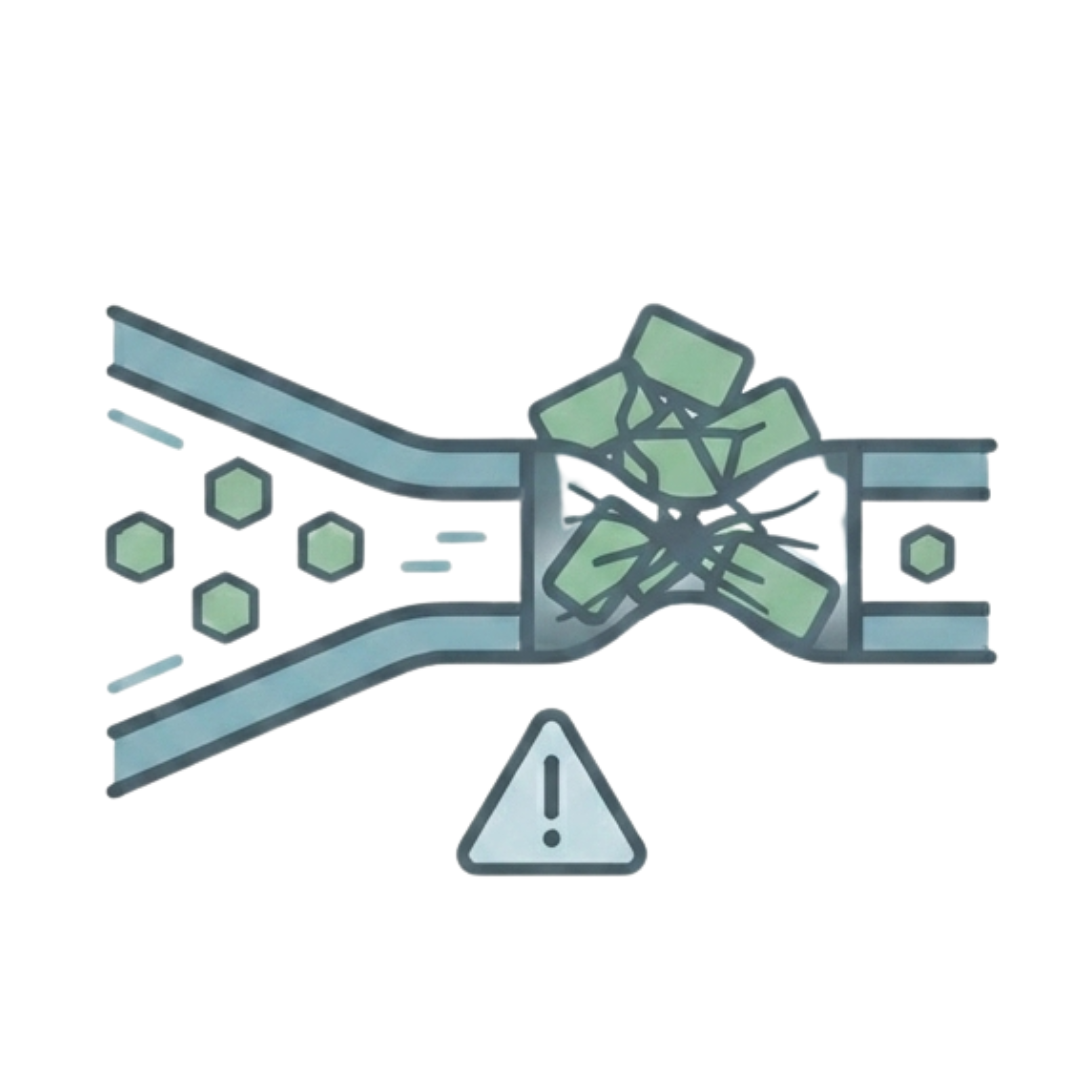
Spread across a school year, this is not simply a one-time inconvenience, it is a recurring loss that many schools may not have planned for.
Beyond the direct financial cost, bottlenecks also carry significant operational and reputational consequences:
- Compromised assessment integrity:
Dropped connections during online tests can require retakes or create unfair conditions. - Teacher and IT burnout:
Frequent troubleshooting diverts teachers from instruction and prevents IT teams from focusing on strategic improvements, increasing workload and burnout. - Erosion of trust in EdTech:
Repeated technology failures can reduce confidence in digital learning tools, causing teachers and students to avoid using them and diminishing the value of previous technology investments.
A network that “mostly works” may appear adequate, but recurring bottlenecks quietly accumulate costs that impact teaching, learning, and IT operations every day.
What Schools Should Evaluate
Before assuming your network needs a full upgrade, or assuming everything is fine, it is worth evaluating these key areas:
- Current broadband capacity: Can it support your current and future digital learning requirements?
- Peak usage periods: Does network performance remain consistent during lessons, assessments, and other high-demand periods?
- Wi-Fi coverage and density: Are there sufficient access points to provide reliable coverage across the entire campus?
- Application performance: Do learning platforms, cloud applications, and video conferencing tools perform consistently?
- Network redundancy: Is there a backup connection or failover solution to minimise disruption during outages?
- Support responsiveness: Can issues be identified and resolved quickly during critical teaching and assessment periods?
Conclusion
Digital learning isn’t slowing down, and neither are the expectations placed on school connectivity.
As online assessments, cloud-based learning platforms, and device density continue to rise, the schools that stay ahead of the curve are not necessarily the ones with the most resources.
They are the ones who proactively assess their network, design capacity based on actual and “not assumed” demand, and view connectivity as vital infrastructure rather than an afterthought.
Looking to strengthen your school's network infrastructure?
Explore LGA’s education network solutions designed to support reliable, high-performance connectivity for modern learning environments.
References
Business Research Insights. (2026, June 29). K12 education technology market size, share, growth, and industry analysis. https://www.businessresearchinsights.com/market-reports/k12-education-technology-market-101608
Gilban-Cohen, J. (2026, May 11). What kind of infrastructure will K-12 schools need for ai?. What Kind of Infrastructure Will K-12 Schools Need for AI? https://www.govtech.com/education/k-12/what-kind-of-infrastructure-will-k-12-schools-need-for-ai
Swirsky, D. (2026, June 23). Network Design for Schools: K-12 & Campus Best Practices 2026. Network Design for Schools: Best Practices for K-12 and Campus Environments. https://www.banyannetworks.com/blogs/network-design-for-schools-best-practices-for-k-12-and-campus-environments/
Wesco. (2025, August 26). Empowering K–12 learning with robust network infrastructure. https://www.wesco.com/us/en/knowledge-hub/articles/empowering-k-12-learning-with-robust-network-infrastructure.html